Faithful rendering
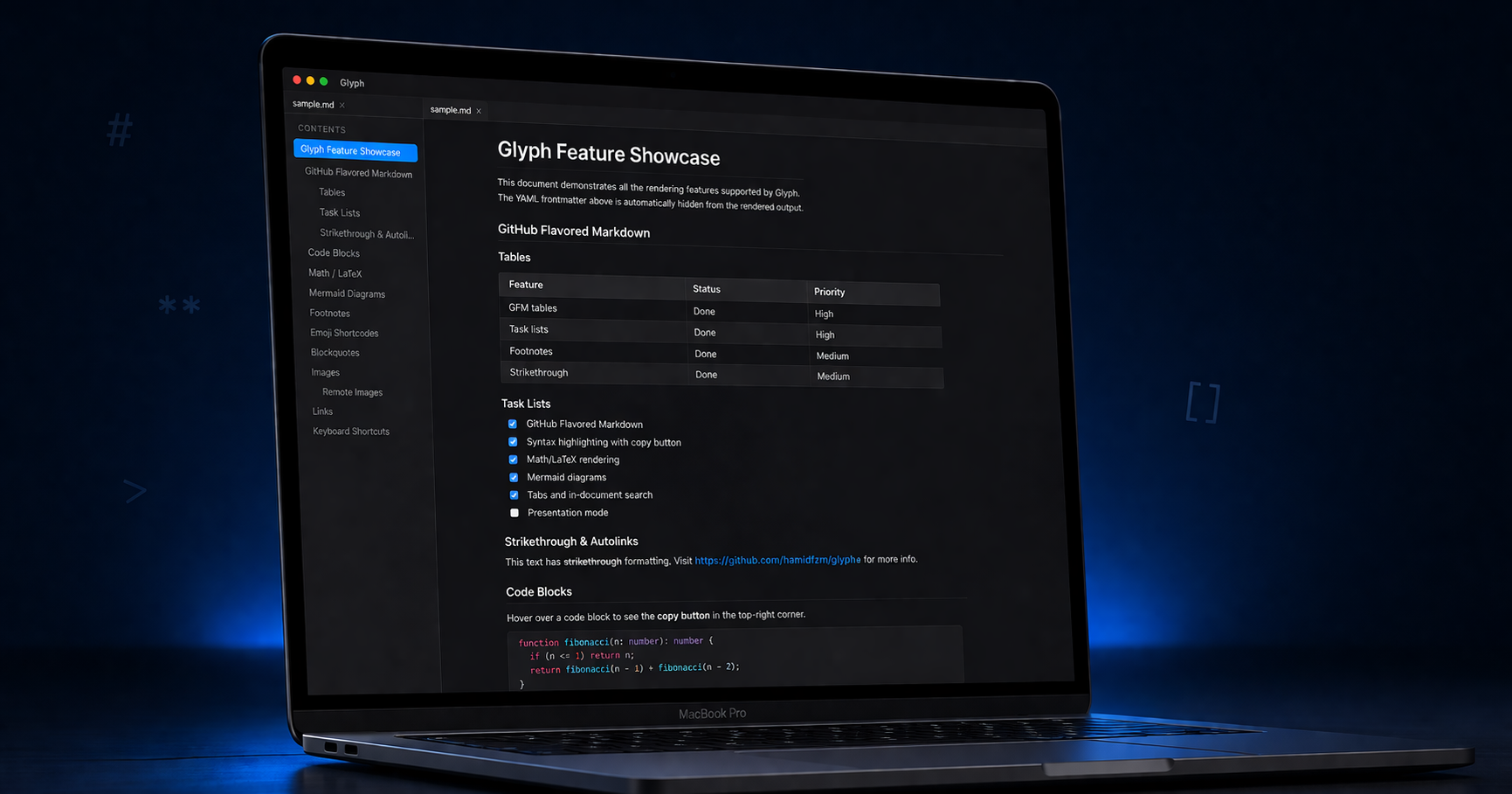
GitHub-flavored markdown — tables, task lists, footnotes, alerts, and heading anchors. Math via KaTeX, Mermaid diagrams, and syntax highlighting in six themes.
A fast, cross-platform markdown viewer and editor with platform-native styling. Render GitHub-flavored markdown, edit live, draw on infinite canvas boards, and export to PDF — all offline, all yours.
Free, open source, and offline-first. macOS, Windows & Linux.
Features
Built with Tauri and React for a tiny footprint and a native feel on every platform.
GitHub-flavored markdown — tables, task lists, footnotes, alerts, and heading anchors. Math via KaTeX, Mermaid diagrams, and syntax highlighting in six themes.
A split-view editor with live preview, styled markdown tokens, find-in-document, and undo/redo for in-app edits like task toggles.
Open JSON Canvas (.canvas) files as a pan-and-zoom board. Cards render markdown, images, and links, connected by labelled arrows — round-trips with Obsidian.
Open a folder as a workspace with a file tree, [[wikilinks]], a backlinks panel, and a command palette to jump anywhere with Cmd/Ctrl+K.
See your whole workspace as a force-directed graph — notes are nodes, wikilinks are edges. Hover to highlight neighbours, click to open, and watch it update live as you write.
Print or export to PDF, HTML, DOCX, and EPUB — including vector math and diagrams. Your documents leave Glyph looking exactly as they should.
Platform-adaptive styling that respects light and dark mode, with six code themes and typography that feels at home on macOS, Windows, and Linux.
Open Jupyter notebooks with rendered cells and outputs, view image and SVG files in a built-in viewer, and read CSV and TSV blocks as clean, scrollable tables.
Everything runs offline on your machine, and your notes never leave it unless you turn on Cloud Sync to a Git remote you control. Crash reporting is strictly opt-in.
Download
Pick your platform. Every build is signed and published through the release pipeline.
Or grab a binary from the Releases page.
Command line
The same renderer as the app, without a window. Turn a note into a document, a folder into a website, and drop either into a docs pipeline.
--format takes pdf, docx, epub, html, and site. Full reference in the README.